LILYGO T-Deck Plus Review and Buyer's Guide: T-Deck, Plus and Pro for Meshtastic
A keyboard and screen on the node itself, so nobody needs a phone to send a message.
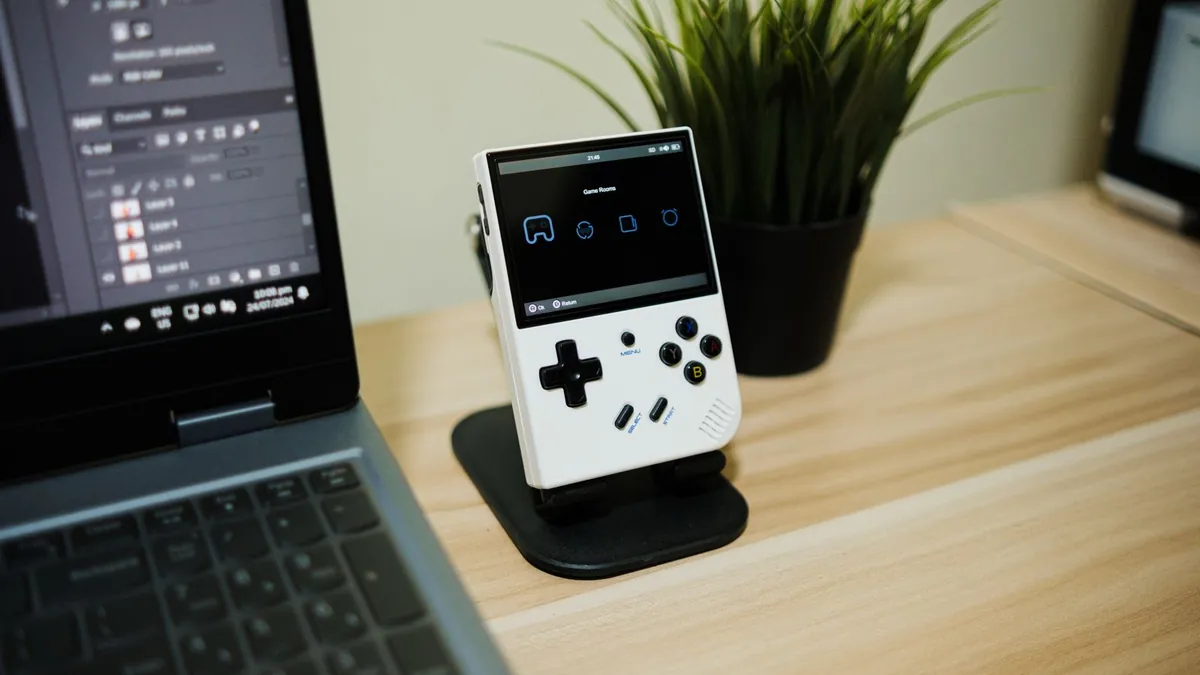
The LILYGO T-Deck Plus is the one to buy if you want a Meshtastic or MeshCore device you can type on without a phone: a 2.8 inch touchscreen, a backlit keyboard, a trackball, GPS and a 2,000 mAh battery in a case the size of an old BlackBerry. The T-Deck Pro trades the LCD for a 3.1 inch e-paper screen and a mechanical keyboard, which reads better in sun and sips power, but it is a newer board with less firmware support. The original T-Deck is the same guts as the Plus without the GPS or the built-in battery, and it comes and goes from stock. We have not run a T-Deck on our own mesh yet; everything below is from LILYGO's product pages, wiki and GitHub, the Meshtastic hardware docs and the MeshCore flasher catalog.
Three devices, one family
All three share an ESP32-S3FN16R8 (16 MB flash, 8 MB PSRAM), a Semtech SX1262 LoRa radio, WiFi, Bluetooth 5 LE, a TF card slot and USB-C. The screen, keyboard, battery and antenna are what change.
- T-Deck: 2.8 inch ST7789 LCD at 320 by 240, LILYGO's T-Keyboard with its own ESP32-C3 controller, trackball, speaker and microphone. No GPS. Meshtastic's docs say the battery and GPS are what the Plus adds, so treat the base T-Deck as a bare board.
- T-Deck Plus: same board with capacitive touch (GT911), a GNSS module, and a 2,000 mAh battery. 100 by 68 by 11 mm per LILYGO. Sold with either a built-in antenna or an external one.
- T-Deck Pro: 3.1 inch GDEQ031T10 e-paper at 320 by 240 with CST328 touch, a mechanical keyboard on a TCA8418 controller, MIA-M10Q GNSS, 1,500 mAh LiPo per the wiki (the product page says 1,400 mAh) with a BQ25896 charger and a BQ27220 fuel gauge, a BHI260AP IMU and an ambient light sensor. 120 by 66 by 13.5 mm. LILYGO sells a voice version and a 4G version with an A7682E modem.
What matters when choosing
Standalone use, and what "no phone" really means
This is the reason to buy a T-Deck over a Heltec board. With Meshtastic's on-device interface (MUI) a T-Deck shows messages, a node list, channels and most basic settings on its own screen and takes input from the keyboard and trackball. Meshtastic lists the T-Deck among the standalone ESP32-S3 devices that support MUI. The catch, straight from the docs: MUI uses the single client connection, so while it is running your phone app cannot connect. To pair a phone again you boot into Bluetooth programming mode or switch to the Base UI. Some advanced settings still need a phone or the web client, and map tiles are not included; you load them onto the TF card yourself. The Base UI also runs on the T-Deck with keyboard shortcuts for the backlight, notifications, Tab and GPS.
On MeshCore the standalone option is the Ripple GUI firmware. The MeshCore flasher lists the LILYGO T-Deck with Companion, Repeater, Room Server and Ripple GUI builds, and the T-Deck Pro (both the first edition and v1.1) with Ripple GUI only. So a Pro on MeshCore is a standalone messenger and nothing else, while a T-Deck or Plus can also serve as a phone companion or a repeater.
Screen
The LCD on the T-Deck and Plus is bright and fast, right for a chat window, and also the biggest battery draw. The Pro's e-paper reads in direct sun and holds an image with no power, but refreshes slowly and flashes on a full refresh. LILYGO's wiki says fast and partial refreshes are limited to five in a row before a full refresh is needed to clear ghosting. For a device that mostly waits for messages, e-paper is the right tradeoff. For a device you scroll through constantly, the LCD is.
Keyboard and pointing
The T-Deck and Plus use LILYGO's backlit T-Keyboard with its own ESP32-C3, plus a trackball; the Plus adds touch. The Pro uses a mechanical keyboard and a touch e-paper screen with no trackball. Neither is fast, and the keys are small for gloved hands in an ice storm.
GPS
The Plus and the Pro have a GNSS module; the base T-Deck does not. LILYGO's wiki names the MIA-M10Q for both, and its Plus product page says the variants use either a u-blox or an L76K module, so the module depends on the version you get. Either way the Plus can report its own position without a phone, which is what makes it useful as a tracker in the truck. One hardware note from LILYGO's GitHub: on the Plus the Grove connector pins are taken by the GPS module, so the Grove port cannot be used.
Battery and charging
The Plus carries a 2,000 mAh LiPo and charges over USB-C; a blue LED on the bottom lights while charging and goes out when full. LILYGO's wiki lists no fuel gauge chip for the Plus (the battery voltage is read on an ADC pin), so treat the percentage on screen as an estimate. The Pro adds a BQ27220 fuel gauge but has a smaller pack (1,400 to 1,500 mAh, depending on which LILYGO page you read). Neither maker publishes a run-time figure, and we have not measured one, so plan to charge daily with the LCD and expect better from the e-paper.
Antenna
The T-Deck and Plus use a U.FL (IPEX) connector for the LoRa antenna. LILYGO sells the Plus with either an internal antenna or an external one. Buy the external version. It lets you fit a better whip, and it lets you swap in a roof antenna through an adapter when the house node needs reach. LILYGO sells the Pro with an internal or an external antenna too. The usual warning applies to all of them: never power up with the external antenna removed.
LILYGO T-Deck Plus, external antenna

Our Pick
LILYGO T-Deck Plus, External Antenna
- ESP32-S3FN16R8, 16 MB flash, 8 MB PSRAM
- 2.8 inch IPS LCD, 320 by 240, touch
- SX1262 LoRa, +22 dBm
- 2,000 mAh battery, no fuel gauge listed
- Onboard GPS (u-blox or L76K variants)
The standalone messenger that works today, with an antenna you can upgrade.
Check price on AmazonSold by Lily GO
The version we would buy. Full Plus hardware with the GNSS module (LILYGO lists u-blox and L76K variants), 2.8 inch touchscreen, keyboard, trackball and the 2,000 mAh battery, with an external antenna so you can swap the whip. LILYGO's product page lists LILYGO or MeshCore firmware options for it. On Meshtastic you can flash it from the web flasher (choose "T Deck") and run it as a standalone MUI messenger or as a phone companion in the Base UI. On MeshCore it takes the Ripple GUI, Companion, Repeater or Room Server build.
Weak points: the battery percentage is unreliable because there is no fuel gauge, the LCD eats the battery if you leave the backlight up, and the Grove port is dead on the Plus. It is also an ESP32 device, so it does not sleep like an nRF52 board; it is a handheld you charge, not a node you forget.
LILYGO T-Deck Plus, built-in antenna
Sealed Version
LILYGO T-Deck Plus, Built-in Antenna
- ESP32-S3FN16R8 dual-core
- 2.8 inch display, 320 by 240
- SX1262 LoRa, +22 dBm
- Onboard GPS
- Internal antenna version
Same device, nothing to snag, nothing to upgrade.
Check price on AmazonSold by Lily GO
Same device with an internal antenna and nothing sticking out. Nothing snags, which some people prefer for a glove box or a kid's go bag. The cost is that you can never improve the antenna, and inside a plastic case next to a battery and an LCD is not a good place for one. If this will be the node that has to reach across town after a hurricane, buy the external-antenna version instead.
LILYGO T-Deck Pro, external antenna
E-Paper Option
LILYGO T-Deck Pro, External Antenna
- 3.1 inch e-paper, 320 by 240, touch
- Mechanical keyboard
- MIA-M10Q GNSS
- 1,400 to 1,500 mAh with fuel gauge
- Internal or external antenna versions
Sunlight-readable screen and real battery gauge, for someone who will follow the firmware threads.
Check price on AmazonSold by Lily GO
The e-paper model with an external antenna, sold by LILYGO. It has the mechanical keyboard, touch e-paper, MIA-M10Q GNSS, fuel gauge and the IMU and light sensor. LILYGO's product page lists LILYGO and MeshCore as the preloaded firmware and has a separate Meshtastic listing, and MeshCore's flasher offers the Ripple GUI for standalone use.
Read before buying: LILYGO's wiki says the Pro hardware revisions (V1.0 and V1.1) run incompatible code, and the MeshCore flasher has separate first-edition and v1.1 entries, so you need to know which revision you have before flashing. LILYGO sells a 4G version and a voice version, so check which you are ordering. Meshtastic's T-Deck page gives flashing steps for the T-Deck and Plus but none for the Pro. If you want the device that just works today, that is the Plus. The Pro is the better screen and the better battery gauge for someone willing to follow the firmware threads.
muzi WORKS 915 MHz whip antenna
Antenna Upgrade
muzi WORKS 915 MHz Whip Antenna
- 915 MHz, 17 cm flexible whip
- SMA male connector
- SWR 1.3 measured vs 3.5 for the stock antenna
- About 98% efficiency at SWR 1.3, per muzi WORKS
The cheapest range improvement for an external-antenna T-Deck.
Check price on AmazonSold by muziWORKS
A 17 cm flexible whip for 915 MHz from muzi WORKS, a small shop that makes Meshtastic accessories. The maker's page gives a measured SWR of 1.3 against 3.5 for a stock stubby antenna, and puts the efficiency at about 98% versus about 69%. The connector is SMA male, so confirm what your device's antenna port takes (SMA and RP-SMA look alike and do not mate) and use an adapter if needed. It is the cheapest range improvement for a handheld.
Side by side
| Spec | T-Deck | T-Deck Plus | T-Deck Pro |
|---|---|---|---|
| MCU | ESP32-S3FN16R8 | ESP32-S3FN16R8 | ESP32-S3FN16R8 |
| Screen | 2.8 inch LCD, 320 by 240 | 2.8 inch LCD, 320 by 240, touch | 3.1 inch e-paper, 320 by 240, touch |
| Keyboard | T-Keyboard plus trackball | T-Keyboard plus trackball | Mechanical, no trackball |
| LoRa | SX1262 | SX1262 | SX1262 |
| GPS | No | Yes | Yes, MIA-M10Q |
| Battery | Not listed | 2,000 mAh, no fuel gauge listed | 1,500 mAh per wiki (1,400 per product page), with fuel gauge |
| Antenna | U.FL | Internal or external version | Internal or external version |
| Size | Not listed | 100 by 68 by 11 mm | 120 by 66 by 13.5 mm |
| Meshtastic | firmware-t-deck, MUI | firmware-t-deck, MUI | Not covered on Meshtastic's T-Deck page |
| MeshCore | Ripple GUI, Companion, Repeater, Room Server | Same as T-Deck | Ripple GUI only |
| Best for | Tinkerers who add their own battery | Standalone messenger today | Sunlight readability, longer standby |
Who should skip the T-Deck
If you already carry a phone and only need a node in your pocket, a Heltec V3 or an nRF52 tracker does the same job for less money and much longer battery life; see our Meshtastic device picks. If your goal is a repeater on the roof, the T-Deck's screen and keyboard are wasted up there; build a solar node instead. And if the people you need to reach are not going to carry mesh gear, a GMRS handheld talks to anyone with a compatible radio.
We left the base T-Deck off the product list because most buyers should get the Plus for the battery and GPS.
Questions people ask
Can the T-Deck Plus run Meshtastic without a phone?
Yes. Flash the Meshtastic firmware and select MUI, and the device handles messaging, node lists and most settings on its own screen. While MUI is active a phone app cannot connect; switch to the Base UI or Bluetooth programming mode to pair again.
Does the T-Deck Plus work with MeshCore?
Yes. The MeshCore flasher lists the LILYGO T-Deck with Ripple GUI (standalone), Companion, Repeater and Room Server builds. The T-Deck Pro gets Ripple GUI only.
How do I get the T-Deck into flashing mode?
Per the Meshtastic docs: power off, hold the trackball, power on, release after two or three seconds. If the backlight stays off, you are in download mode. The web flasher's 1200 bps reset button usually does it for you.
Why is the battery percentage wrong?
LILYGO's wiki lists no fuel gauge chip for the Plus, only a battery voltage reading, so the percentage is an estimate. Watch the blue charge LED while charging instead. The Pro has a proper gauge.
Our pick, and why
The T-Deck Plus with the external antenna is the device we would hand to a family member who needs to send a message when the cell towers are down and no phone pairing is involved. Keep it charged, swap the antenna, and pair it with a high node from the rest of the off-grid comms kit.
Sources
Ready to buy?
See current models and availability on Amazon. Your clicks keep these guides free.
Shop LILYGO T-Deck on Amazon →